 MarkShot
Screenshot, annotate, done.
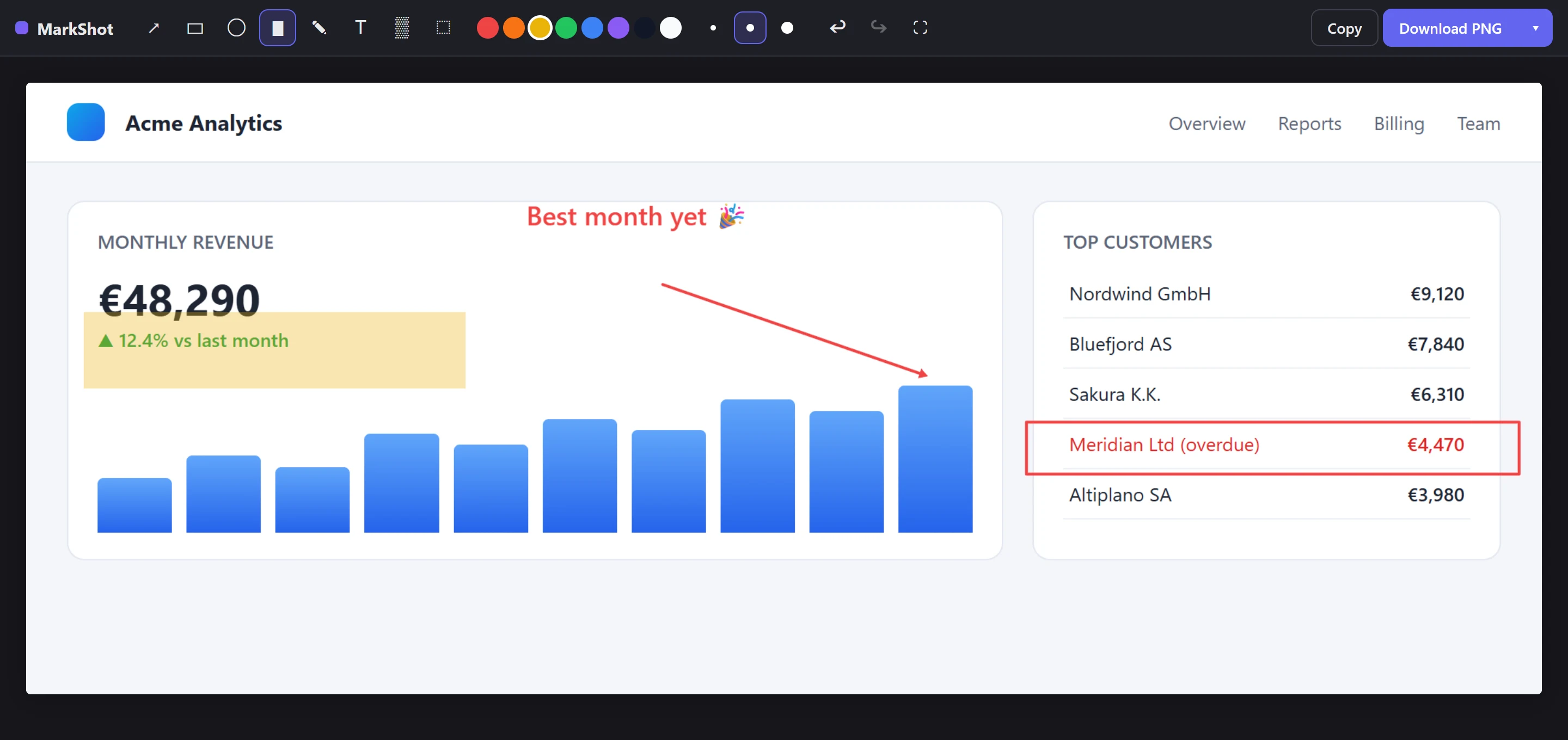
Capture any web page — what you see, a selected area, or the entire scrolling page — then point, box, highlight and blur, right in your browser. No account. Nothing leaves your device.
Free forever plan · No sign-up · Works offline
Everything you reach for a screenshot tool for
One keyboard shortcut from capture to annotated image on your clipboard.
Full-page capture that actually works
Scrolls and stitches the whole page — sticky headers and scrollbars removed automatically, so nothing repeats.
Visible area or exact region
Grab the viewport with one click, or drag to select precisely the part you need. Keyboard shortcuts for all three modes.
Full annotation — free
Arrows, lines, rectangles, ellipses, highlighter, freehand pen, text, and crop. Select, move, delete, undo, redo. No paywall on the basics.
Blur what's private
Pixelate emails, names, keys, or faces before a screenshot goes anywhere. It's baked into the image, not a removable layer.
Copy or download instantly
One click to the clipboard for Slack and email, or download as PNG / JPG — with WebP, SVG and PDF in Pro.
Private by architecture
Capture and editing run entirely inside your browser. No uploads, no account, no telemetry. Your screenshots are yours.
Simple pricing
The free plan is genuinely useful, forever. Pro adds the power-user extras.
Free
- Visible, region & full-page capture
- All core annotation tools, unlimited
- Select, move & delete annotations
- Blur / redact
- Copy to clipboard
- PNG & JPG export
MarkShot Pro
- Everything in Free
- Numbered step badges for tutorials & bug reports
- Custom color picker
- WebP, BMP, SVG & PDF export
- License works across your browsers
- Support an independent developer
- High-res local video recording — coming
- One-click redaction presets — coming
…is validating your license key when you activate Pro — and that's it. Screenshots are captured, edited and saved entirely on your device. Read the two-minute privacy policy.